
Field notes / AI systems · Case study
Your Malli Account Has a Builder's Door: Three Things I Built in One Afternoon
Most members text Malli like it's a very smart contact in their phone. It turns out your account also has a builder's door: a knowledge base that steers it, scheduled agent runs, and custom dashboard pages. I connected my own assistant to mine and had three things staged by dinner.
If you're in the community, you already know Malli: the AI that texts with you, learns your buy box, and brokers introductions through the HiveMind network. Most of us use it exactly one way — as a conversation. You text it, it texts back.
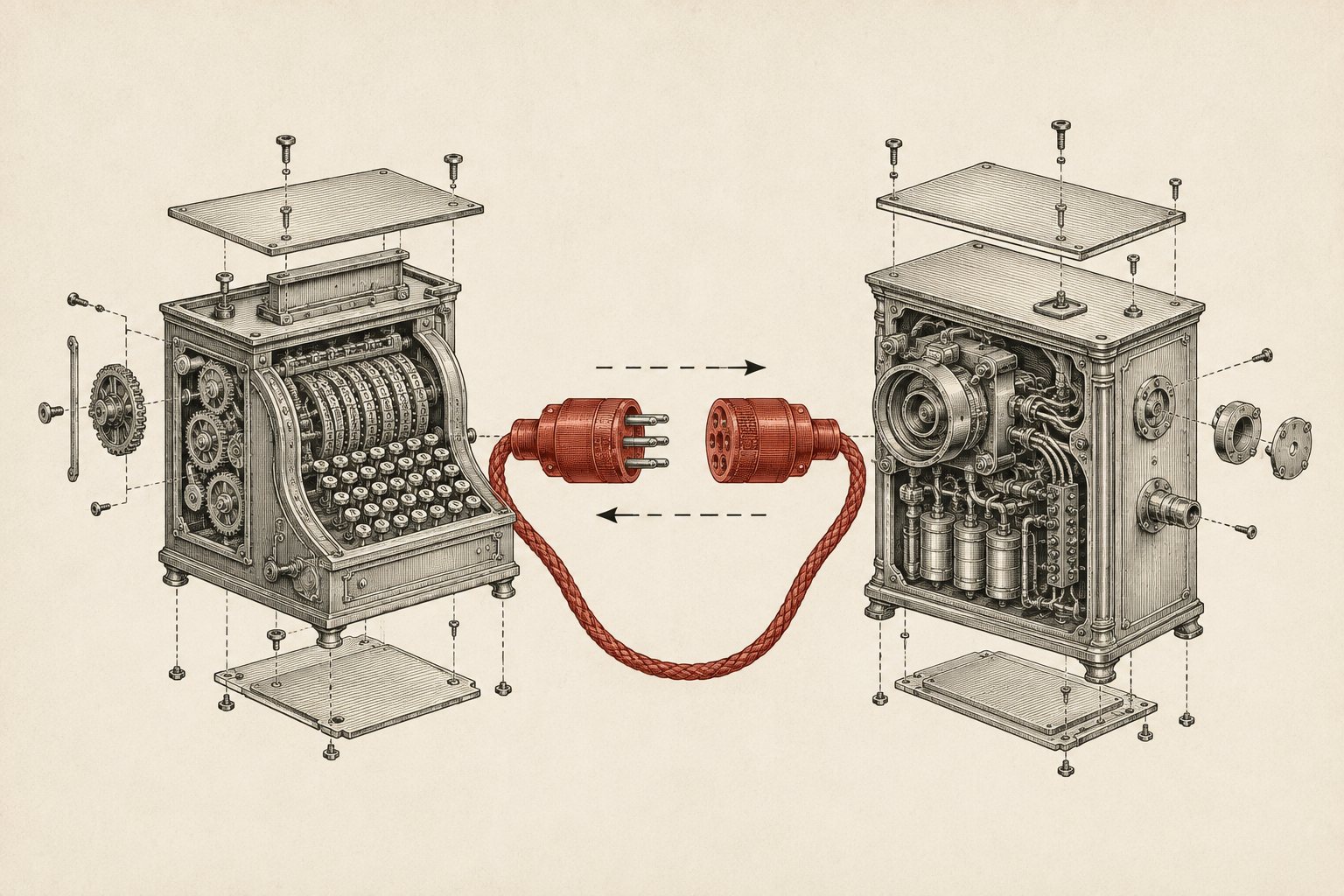
Here's what I learned this week: your Malli account also speaks MCP, the open protocol that lets AI assistants use tools. Which means the assistant that already runs my business — the one I wrote about in the chief of staff post — can sit down at my Malli account the way it sits down at my inbox and my pipeline. Same principle as always: it prepares everything, it decides nothing.
So one afternoon I pointed it at the connection and said: map it. Tell me what's actually in here. Then tell me what's worth building.
The map: three features most members never touch
My assistant enumerated the full tool surface — twenty-two operations — and it boils down to three capabilities that matter, plus one honest limitation.
1. The knowledge base is a steering wheel. Your Malli org has a private knowledge store, and the agent reads it before it acts. Whatever is written there shapes what Malli says about you on calls, in the network, everywhere. Most accounts have whatever accumulated during onboarding and nothing else. Writing to it deliberately is the single highest-leverage thing you can do, and almost nobody does it.
2. Scheduled tasks are how you put Malli on payroll. You can schedule a prompt — once, or on a recurring cron schedule — and when it fires, Malli's full agent executes it. The agent that wakes up can do things the raw API connection can't: it can text you, search the HiveMind network, and broker introductions. That's the trick that unlocks everything. The API can't send a text; but the API can schedule an agent who can.
3. Pages are mini-apps inside your dashboard. You can publish full HTML pages — with working forms and buttons — into your own Malli portal. Real custom software, living inside a product you already log into.
The limitation, stated plainly: the connection acts as you, inside your private org. It cannot message other members, it cannot see anyone else's data, and it cannot send SMS on its own. Everything stays in your workspace until you explicitly push it out. That's the right design, and it's also why the security section below matters.
Build one: teach the network who you are
Malli refers members to each other. What it says when it refers you depends entirely on what it knows. My account had one thin paragraph: Javier does tech and AI. True, and useless.
So the first build was pure writing: a proper referral profile in the knowledge base. What I actually build (custom CRMs, deal-sourcing scrapers, community-intelligence pipelines). Recent shipped work it's allowed to mention. The exact trigger phrases that should make it think of me — "drowning in leads," "I know AI could help but I don't know where to start." And a hard rule at the bottom: never do outreach in my name without my confirmation.
Now when someone in the network tells Malli their follow-up is falling through the cracks, the introduction it offers is specific and pre-sold instead of vague. That's a salesperson working every conversation in the network, and the entire build is a markdown file.
Build two: a deal scout that works Monday mornings
My buy box is specific — co-living conversions, four states, hard numbers on cash flow and cash-on-cash. It's already in my HiveMind listing. But a listing is passive: it waits to be matched.
Build two is a scheduled task that fires every Monday at 9am: search the network for members likely to be holding matching inventory — wholesalers, dispo agents, flippers selling — score them against the buy box, and text me a digest of the top three to five. If nothing new, send nothing.
The rule that makes this safe is the same rule from every system I run: the scout never contacts anyone. It reports to me. I decide which introductions to pursue. Deal flow without spray-and-pray, and without waking up to find my account made promises I didn't.
Build three: my buy box as a button
Build three uses the pages feature: a deal underwriter that lives in my Malli dashboard. Twelve inputs — price, beds, baths, financing type, PITI, rehab budget, rent per room — and one button that returns GO or NO-GO with every rule shown as a pass or fail. Price under the cap for the financing type. No HOA, no flood zone. Parking at least half the bedroom count. Cash flow over a thousand a month after a vacancy haircut. Cash-on-cash over fifteen percent.
It's the same arithmetic I run on every deal, except now it runs in three seconds from my phone, inside the dashboard, and it never gets tired and rounds in the deal's favor. If you've read the buy box post, this is that idea taken to its logical end: the buy box stops being a preference and becomes software.
The part nobody does: the security review
Before any of this went live, I had the assistant argue against its own plan. This is the step that separates a system you trust from a demo that scares you a month later, and it changed the design in three places.
The credential is a master key. The API token acts as me — full write access to my org, in my name. So it lives in one config file, never in code, never in a repo, and it's on a rotation schedule. If you set this up and the token ends up pasted in a chat somewhere, rotate it that day.
Everything writes in your name, so nothing writes without review. All three builds were staged as local files first — the knowledge entry, the task definition, the page — and pushed only after I read them. An automation that speaks as you is a reputation instrument. In a community where your name is the asset, that's not paranoia, it's underwriting.
Don't pipe raw data into the steering wheel. Remember: the knowledge base steers the agent. That means anything written there is effectively an instruction. The scary version of this mistake is auto-syncing scraped text — listing descriptions, emails — into the knowledge base, where a weird string in a property description becomes something your agent believes. Only structured numbers you computed yourself go in. Free text from strangers stays out.
And one boundary I set on scope: my business data — my pipeline, my clients, my financials — stays in my own systems. Malli gets what it needs to represent me well in the network, and nothing more. Every platform gets the minimum context that makes it useful. That's not distrust of any one product; it's just how I wire everything.
What this looked like from my chair
Total elapsed time: one afternoon. My part was maybe six decisions: yes to the map, yes to the three builds, a rewrite of two sentences in the referral profile, and a go on each push. The assistant did the enumeration, the drafts, the page code, and the adversarial review of its own work. That ratio — hours of machine preparation per minute of human judgment — is the entire thesis of this blog, and it held up inside somebody else's product just like it holds up in mine.
If you're a member, the honest takeaway is this: you are probably using ten percent of the account you already have. The knowledge base, the scheduled tasks, and the pages are sitting there. Your buy box could be working the network while you sleep, and your underwriting could be a button.
Want your account working like this?
The knowledge base, the scheduled scout, the underwriter page — all of it took one afternoon because the patterns already existed. Your version would fit your buy box and your lane in the network, and the interesting work is deciding what it should say in your name. That's a conversation worth twenty minutes.
New here? The thinking behind this setup is in the chief of staff case study and the buy box post.
Already tinkering with your own account? Email me what you built. I read all of it.