
Field notes / AI systems · Level 4 of 5
It Ran When I Remembered and Failed in Silence: Making an Automation Your Team Can Depend On
Same workflow as Level 3. Completely different relationship to your business. The work runs at 6am whether you opened your laptop or not, and when it breaks, your phone buzzes instead of your pipeline quietly dying.
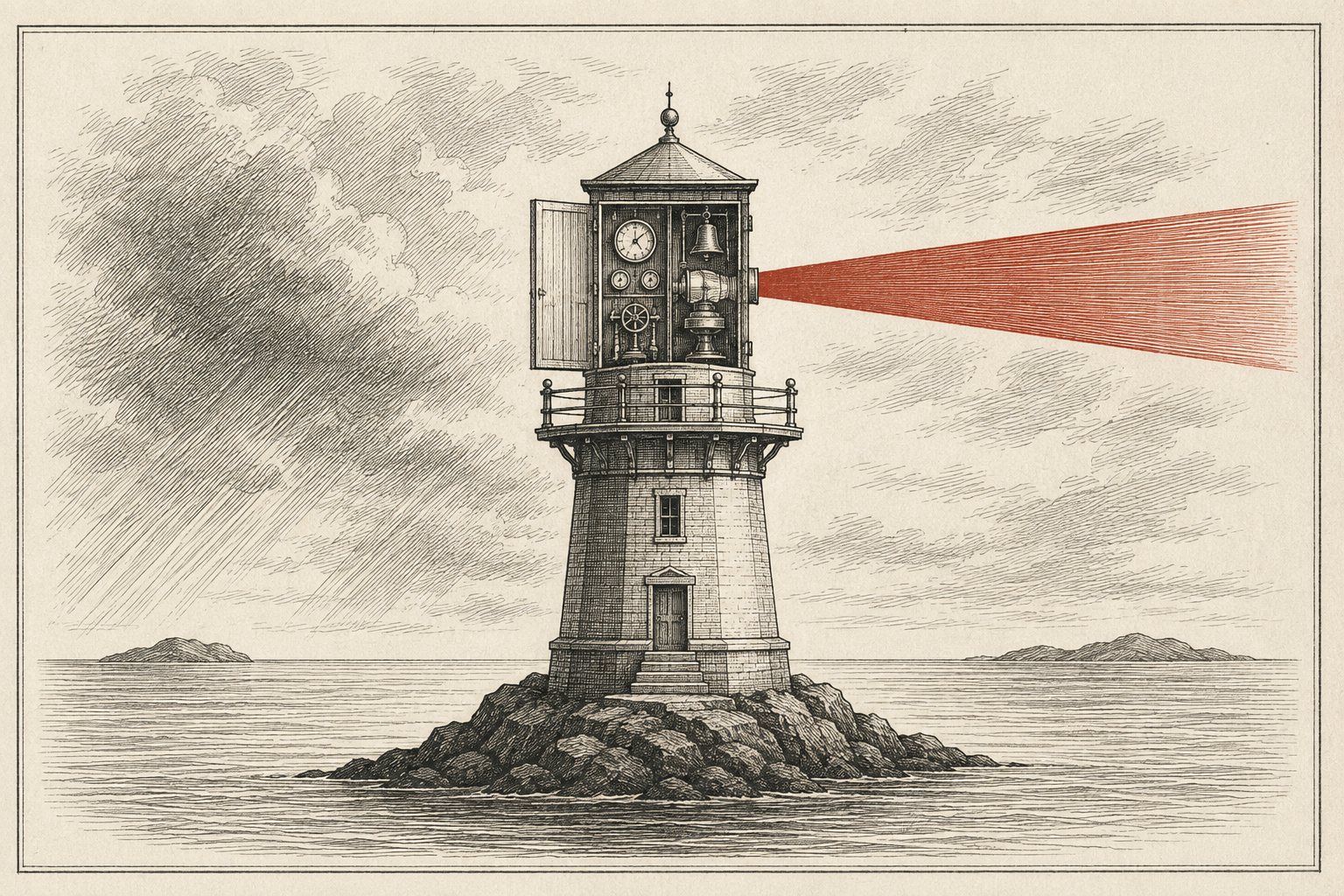
Every failure mode in the Level 3 post shared one root cause: the system could not tell you about itself. It ran when you remembered. It failed in silence. It lived under your personal login on your personal machine, which means the day you are on a plane is the day nobody sees the seller's reply.
Level 4 is not smarter AI. It is the same triage, the same buy box, the same prompts, wrapped in four boring properties that software people take for granted and operators almost never get told about. This post is what those four properties are, what they cost, and the realistic paths to getting them, including the honest one where you pay someone like me. I will flag that bias where it shows up.
The four properties of production
- It runs on a trigger, not a memory. A schedule (6am daily) or an event (email arrives) starts the work. Your attention is no longer a dependency.
- It tells someone when it fails. A text or Slack message within minutes. This is the entire jump, and I mean that literally: an automation with alerting is infrastructure; without it, it is a hobby with a countdown timer.
- Every run leaves a record. When it ran, what it read, what it decided, what it cost. When your partner asks what happened on the 14th, you answer instead of guessing.
- Access outlives any one person. It runs under accounts your business controls, so your acquisitions person uses it without being you, and it survives you changing your password.
Run your current setup against those four. That is your gap list, and closing it is very learnable for a capable operator, which the next sections show.
The build, in plain terms
Take the morning triage from Level 3. Production shape looks like this: a small always-on computer runs the job on a schedule; the job reads the hub inbox, applies your triage and buy box documents through a model API, writes the digest where your team already looks, appends to the log, and reports its own health.
Concretely, my preferred stack for operators, because every piece is understandable:
- The machine: a $6/month VPS (a rented Linux box from DigitalOcean, Hetzner, or similar). Not your laptop. It is always on and it is boring, which is the point.
- The schedule: cron, the 50-year-old Linux scheduler. One line says "run this at 6am daily." It has never had an outage caused by someone closing a lid.
- The brain: the same instructions you already wrote. If you use Claude, the Claude Code CLI runs headless: claude -p "run triage per triage.md" executes your documented process and exits. Or a short script calling the API directly. Either way, your Level 2 and 3 documents come along unchanged; that work was never throwaway.
- The output: post the digest to Slack, or email it to the team, or write it into GHL as tasks. Deliver to where people already look, never to a new place they have to remember.
- The record: append every run to the same Triage Log sheet, plus a line to a run log: timestamp, emails read, P1 count, API cost, duration, OK or FAILED.
Alerting: failure and silence
Two alerts, and you need both:
The failure alert. The job crashes, the connector dies, the API errors: you get a message within minutes. A Slack webhook is one line in a script; Twilio does it as a text for pennies. Wire it to fire on any non-successful exit.
The heartbeat. The sneakier case is the job that does not run at all: the server rebooted, cron got edited, a credential expired before the job even started. Nothing failed, so nothing alerted. The fix is a dead man's switch: the job pings a monitoring service on every successful run, and the service alerts you when the pings stop. Healthchecks.io does this free, setup is ten minutes, and it converts "silent death" into "a text at 6:15am." If you adopt one habit from this post, this is it.
Add one anomaly rule on top: "if zero deals were found for 3 straight days, flag it." Zero might be a slow market. It might be a broken forwarding filter. The flag makes a human look, which is all it needs to do.
Service accounts, or why your login is a liability
At Level 3 the connector ran as you. In production, the job gets its own identity: a Google Workspace service account (or at minimum a dedicated ops@ user) with read access to the hub inbox and edit access to the log sheet, and nothing else. Three reasons, all learned the hard way somewhere: your password change should not take down operations; your VA should see the digest without holding keys to your personal email; and when you offboard anyone, you revoke one scoped credential instead of changing every password you own.
What it costs
Real numbers for the triage build at a few hundred emails a day: VPS $6/month. Model API roughly $10-30/month at this volume (Level 5 shows how to cut that). Healthchecks.io free, Twilio a dollar or two. Call it $20-40/month in infrastructure.
The real cost is build time: a weekend or two DIY if the command line does not scare you, or $1-3K to have it built properly with alerting and handoff docs. Price that against one missed deal. The four questions from the first post tell you whether the math works for your operation; for most people running real deal flow with a team, it clears easily. For a solo operator doing two deals a quarter, it honestly may not, and excellent Level 3 is the right answer.
Three realistic paths
- DIY on the stack above. Capable-operator territory: VPS, cron, CLI, webhook. The skills are general and permanent, and the model itself will walk you through every step if you ask it to.
- No-code hosted: n8n or Make. Hosted workflow tools with schedules, Gmail nodes, an AI step, and error handling built in. Less control, faster start. You still owe yourself the heartbeat and the run log; the defaults alone do not give you all four properties.
- Have it built. This is what I do for operators, so yes, bias declared. The argument for it is not that you cannot; it is that the difference between "it works" and "it fails loudly with a paper trail" is exactly the unglamorous 20% that builders do by reflex.
Where Level 4 breaks
You now know the system ran. You still do not know it was right. Models drift: the vendor updates them without asking, a prompt edit helps one case and quietly hurts another, and your 6am digest can go from sharp to mediocre with no error anywhere, because "wrong" is not "broken." At triage stakes, annoying. The moment your system touches offers, wires, or what you tell a capital partner, unacceptable.
Catching drift before your capital partner does is a solved problem in software; it is called an eval, it is the one piece of Level 5 almost nobody outside the industry has heard of, and the final post makes it operator-simple, along with cutting your model bill by half or more through routing. The vacation test, at last, passes.
The series
- 00Where You Actually Are With AI: The Five Levels, and Why Most Operators Are at TwoThe map
- 01Stop asking ChatGPT four-word questions: five habits and three prompts that actually workPublished
- 02Underwrite in 48 hours: the buy box document that lets my assistant say PASS for mePublished
- 03Three inboxes, one morning digest: how I stopped missing the seller who said yesPublished
- 04It ran when I remembered and failed in silence: making an automation your team can depend onYou are here
- 05How I know my AI still thinks like me (and cut the bill from $900 to $40)Published
Is your Level 3 worth promoting?
Book 20 minutes and bring the workflow you depend on most. We will score it against the four properties and map the cheapest path to closing the gaps, DIY or done-for-you. No pitch if the honest answer is that Level 3 is enough for you.
Want it mapped for you instead of built by hand? That is what the AI Workflow Audit is: fixed price, two weeks, one prioritized plan.
Tried this on a real deal? Email me what worked and what didn't. I read all of it.